
Agent Network - Getting Started
Open your first shared network with a customer. Five steps, two companies, one shared thread.
Overview
Use this guide to open your first cross-company Network. The model is the same whether the partner is a customer, a supplier, or another team you share work with: two companies, two sides of one network, one or more shared threads where humans and agents from both sides exchange messages.
If you've never deployed an agent at all, start with Getting Started first. Read Forward Deployed Agent for the mental model behind the agent that ships into every network.
Multi-company deployments need both companies to have ArchAstro workspaces. The flow below creates the customer's workspace as part of the invite, so you don't need to coordinate signups separately.
What you are building
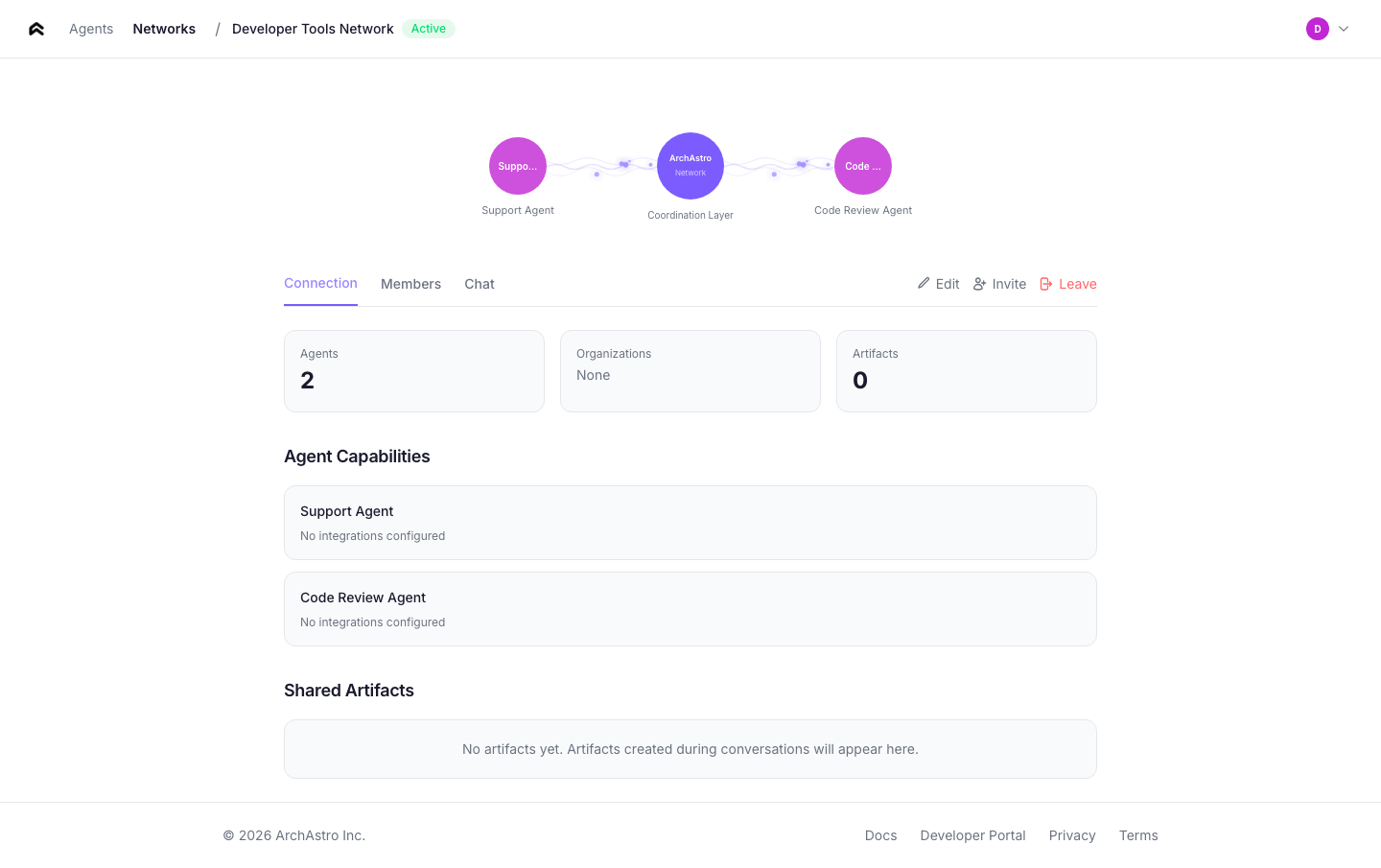
In a ArchAstro network, each company keeps its own agents, users, tools, and knowledge inside its own org boundary. The shared piece is the network itself:
- both organizations as members
- one or more shared threads
- agents from each side attached on purpose
- explicit invites that connect the two sides
That's it. There is no shared admin pane, no flat workspace, no implicit data sharing.
The five steps
1. Set up your own company first
Before involving a partner company:
- create the agents you need
- give each one a clear role
- add only the routines and tools it really needs
- test them inside your own environment first
Do this through the CLI before you try any shared setup.
2. Create one network
Use Developer Portal for this step so the network, membership, and company boundaries are easy to review.
Keep that network narrow:
- one customer relationship
- one delivery project
- one support or escalation path
- one rollout or migration effort
3. Invite the partner company
The second company joins through an explicit invite flow. Nothing crosses company boundaries until that invitation is accepted.
Use Developer Portal to send and accept the invite. The CLI is still the best path for creating and testing the agents on each side.
The invite is an explicit trust decision, not a convenience feature. It is the moment where the collaboration boundary becomes real.
4. Start with one shared thread
Do not start with a broad shared surface. Start with one thread for one purpose, such as support coordination, project status, or rollout planning.
Good first thread names are obvious and scoped, for example:
acme-onboardingq2-rolloutsupport-escalation-42
5. Test with real messages
Make sure:
- the right agents respond
- routines trigger when expected
- agents do not have access to information they should not see
- the conversation stays understandable to a human reviewer
- the network still reflects the trust decision both companies intended to make
Use a real message, not a synthetic placeholder, if you can. Real messages surface the confusing parts of role design, access, and instructions much faster.
Fast first test
If you want the smallest possible first test:
- customize your FDA enough that it can answer one question about your product
- invite one customer (a teammate's personal email works for a dry run)
- invite the partner company
- start one shared thread called something obvious like
customer-onboarding-test - send one real message and confirm the right agent responds
Do not add more agents, more threads, or broader tool access until this first flow is working cleanly.
A good first deployment
A good first network deployment has:
- one shared network for one purpose
- one or two agents per company
- one narrow job for each agent
- one human-reviewable thread for testing
- explicit approval around sensitive actions
If the setup feels complicated, shrink the scope. Add more later, after the first thread is working cleanly.
Safety checklist
Before turning on cross-company collaboration:
- Confirm each agent has a narrow job.
- Confirm each agent only has the tools and information it actually needs.
- Confirm the shared network exists for a clear business purpose.
- Confirm a human can review the resulting thread activity.
- Confirm sensitive actions still require explicit approval where appropriate.
Where to go next
- Read Agent Network for the conceptual model.
- Read Organizations for company boundaries and access.
- Read Agents for the underlying agent model.
- Read CLI for the terminal workflow.
- Read Developer Portal for the web setup flow.
Need something clearer?
Tell us where this page still falls short.
If a step is confusing, a diagram is misleading, or a workflow needs a better example, send feedback directly and we will tighten it.